

Android OS is the most popular OS present in the smartphones. Protection and privacy are the terms which everybody wants on their phone. There are a number of security apps available in the android play store. You will face the problem like force stopped or uninstalled with most of them but not with HEXLOCK.

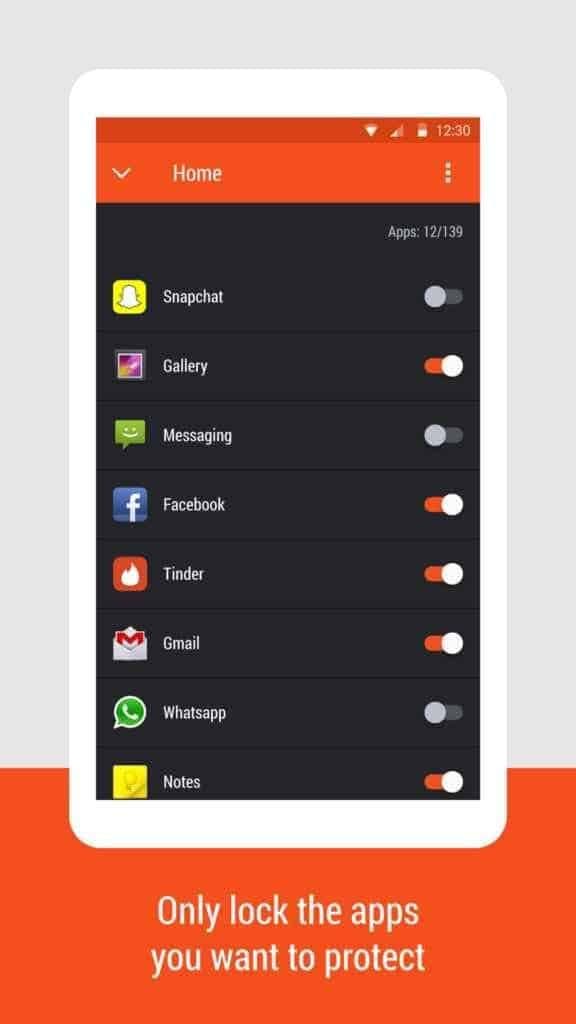
HexLock is your ultimate solution for protecting your data from others persons like family, friends or strangers. The best thing about this app is that it comes for free and provides premium features. The app size is only 6.8 MB and has been downloaded more than 1,000,000 t0 5,000,000 users till now. Hexlock can protect your Gallery, SMS, Calls, Contacts, Calls, Contacts, Facebook, Whatsapp, SnapChat and more.
HexLock: More Information
Free app locker that protects privacy and secures apps to prevent unauthorized access. It can automatically switch to 6 different profiles when connected to a known wi-fi network. It has another pretty cool feature Media Vault where you can protect your photos and videos.
You can find more information on the website: http://hexlockapp.com
Find applock in Google Play store
Key Features of Hexlock :
1. Automatic locking of your content :
Hexlock can activate different profiles in different known wifi networks. It has 6 separate profiles for different shared device viz. Work, Home, Parental, School, Party and cafe. You can make different settings for different profiles. Hexlock will switch between different profiles when connected to a wifi network. So your data will be save all the time.
2. Uninstall prevention :
Hexlock prevents unauthorized uninstall. In this way, all your apps and media is always protected.
3. Fingerprint unlocking :
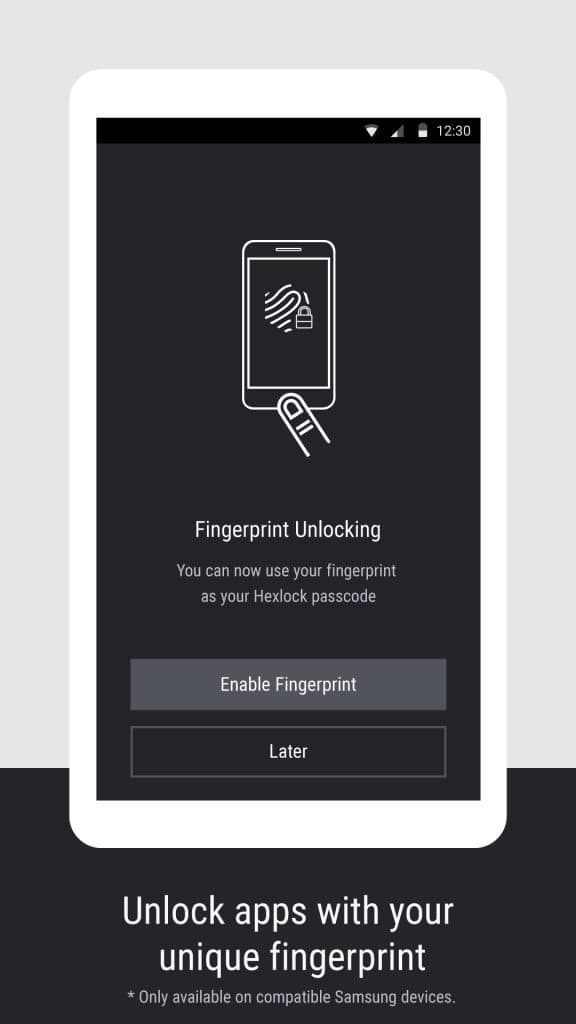
You can set fingerprint lock for getting ultimate protection. You need to have a marshmallow or above to get this feature.
4. App size and speed
This app is very lightweight in size and runs pretty smooth.
5. User Interface
Hexlock has a very attractive User Interface. It has clear and fast UI. Every option is easily accessible in the hexlock.
6. Hide pictures
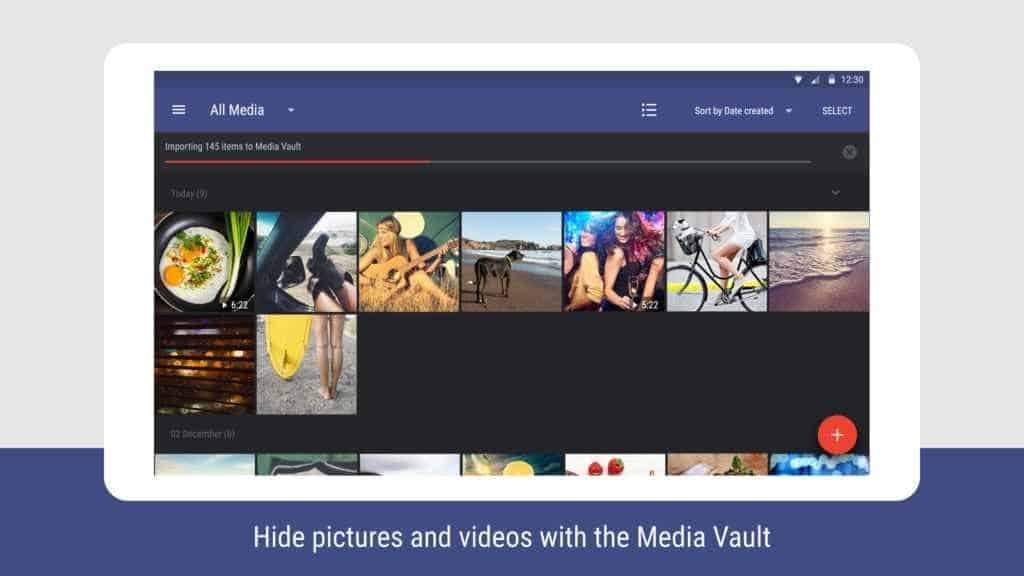
You can hide all your sensitive media inside the media vault feature of hexlock. Because no one can uninstall the app without your permission, So your media is always safe.
7. Take control over privacy
Apart from the normal apps, You can also secure social networking apps like facebook, WhatsApp, Kik etc. You can lock them with a password so that no one can access them without your permission.
Conclusion: Hexlock Privacy Protection App
So hexlock app is the ultimate solution for your privacy in the android smartphone. Just install this app on your smartphone, set your preferred setting for different wi-fi. Hexlock will take care of the rest.

